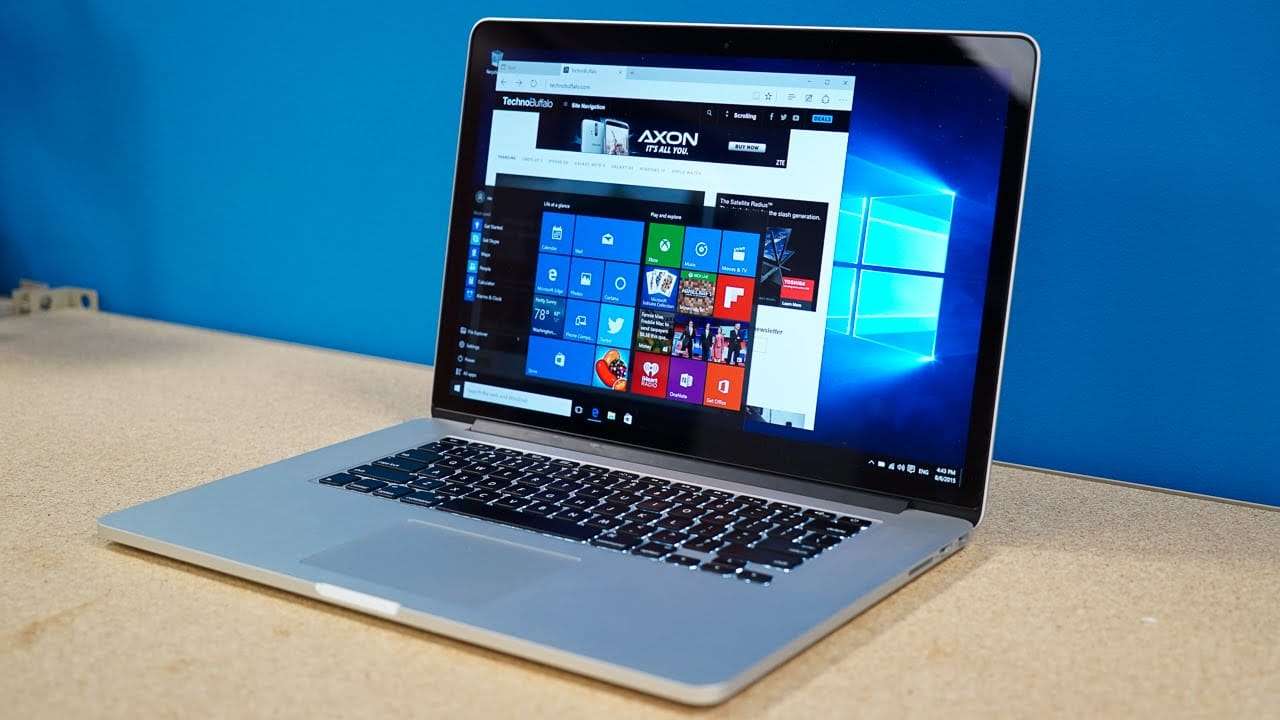
Install and Run Windows on Your Mac: The Complete Guide
Want to run Windows on your Mac? This step-by-step guide explores the best methods in 2025—from Boot Camp to Parallels and beyond. Run Windows apps, games, and more easily on any Mac.
Want to run Windows on your Mac? This step-by-step guide explores the best methods in 2025—from Boot Camp to Parallels and beyond. Run Windows apps, games, and more easily on any Mac.
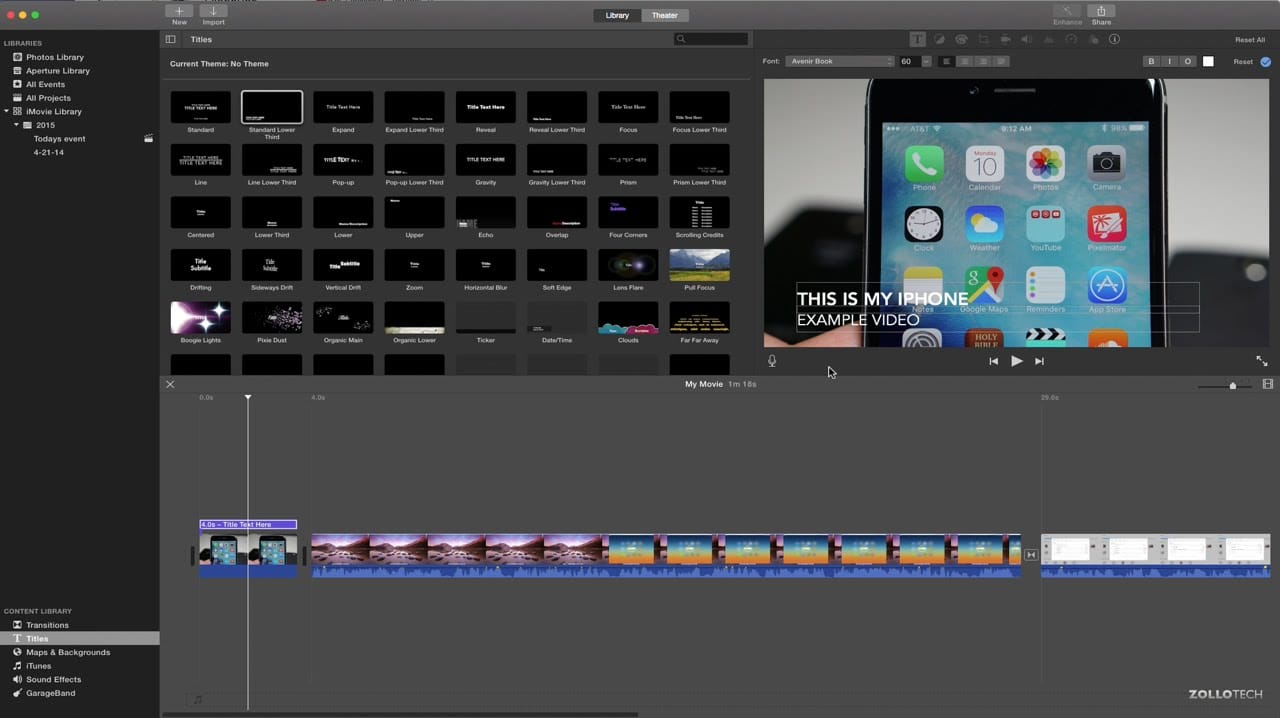
Unlock video editing skills! Learn how to use iMovie on your Mac to edit videos like a pro with our step-by-step guide. Get pro tips & tricks!

Learn how to use QuickTime Player on Mac to record your screen, trim videos, extract audio, and more. This complete guide walks beginners through every major QuickTime feature step-by-step.
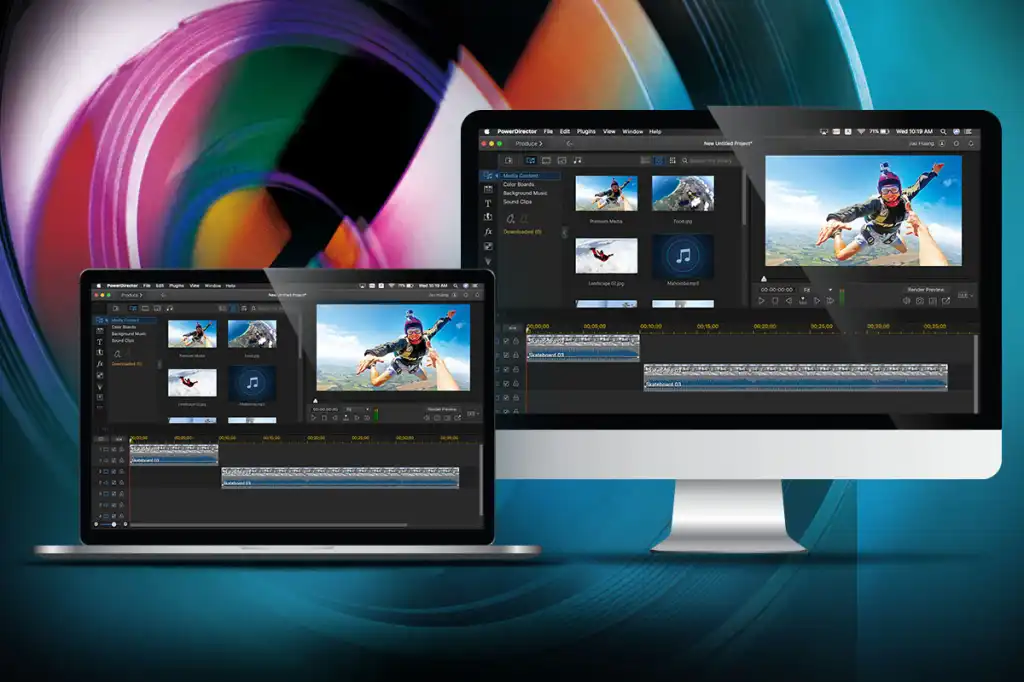
Want to edit videos on your Mac but don’t know where to start? Learn the best beginner-friendly video editing tools, step-by-step instructions using iMovie, tips for exporting, and must-know editing tricks for Mac users.

Learn how to record Zoom meetings on a Mac with or without host permission. Step-by-step instructions for using Zoom’s built-in recorder, QuickTime, and third-party apps. Perfect for students, remote workers, and content creators.
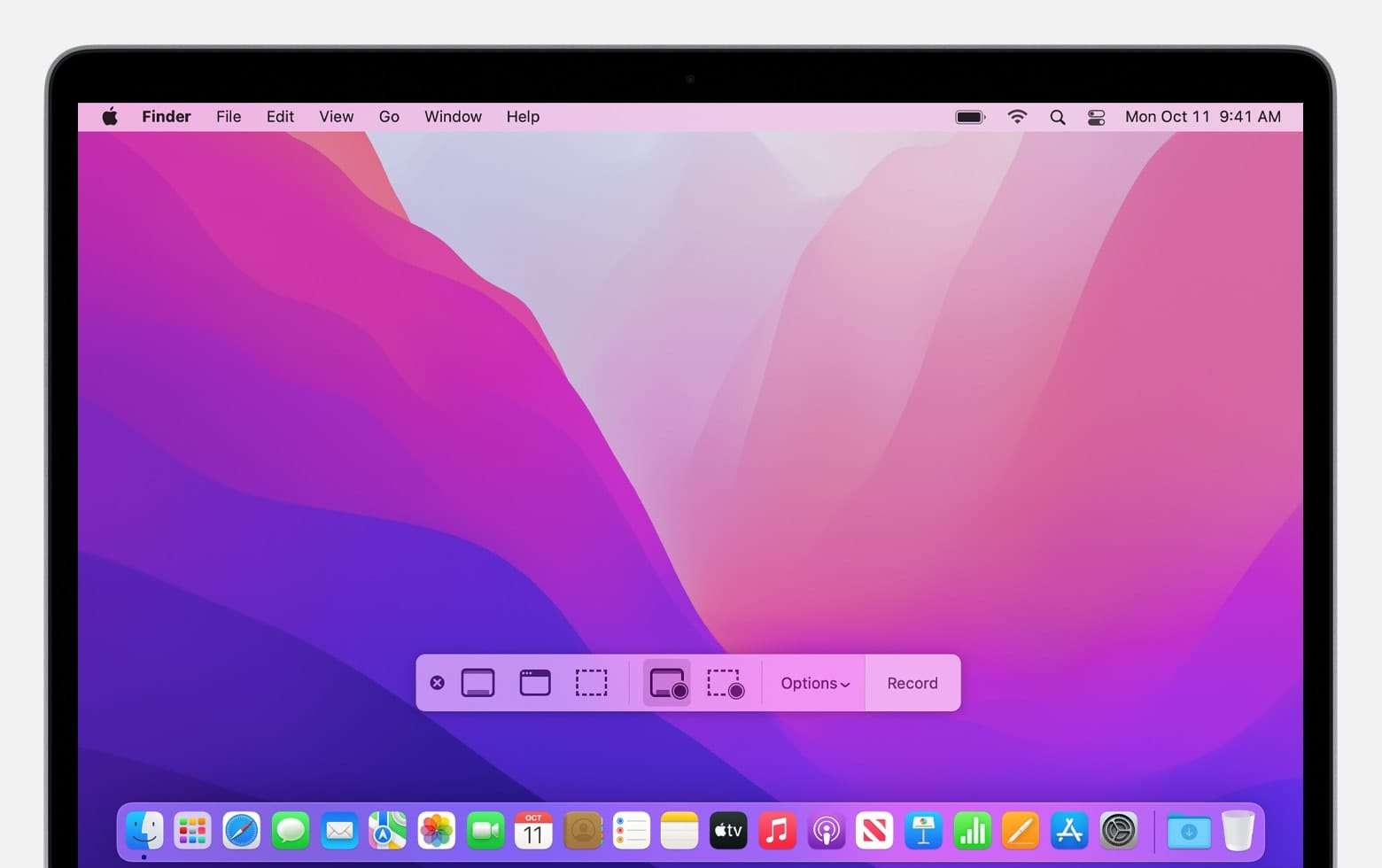
Want to record your screen on Mac? Learn how to screen record with built-in tools like QuickTime, Screenshot Toolbar, and third-party apps. Works for macOS Sonoma, Ventura, Monterey, and more.
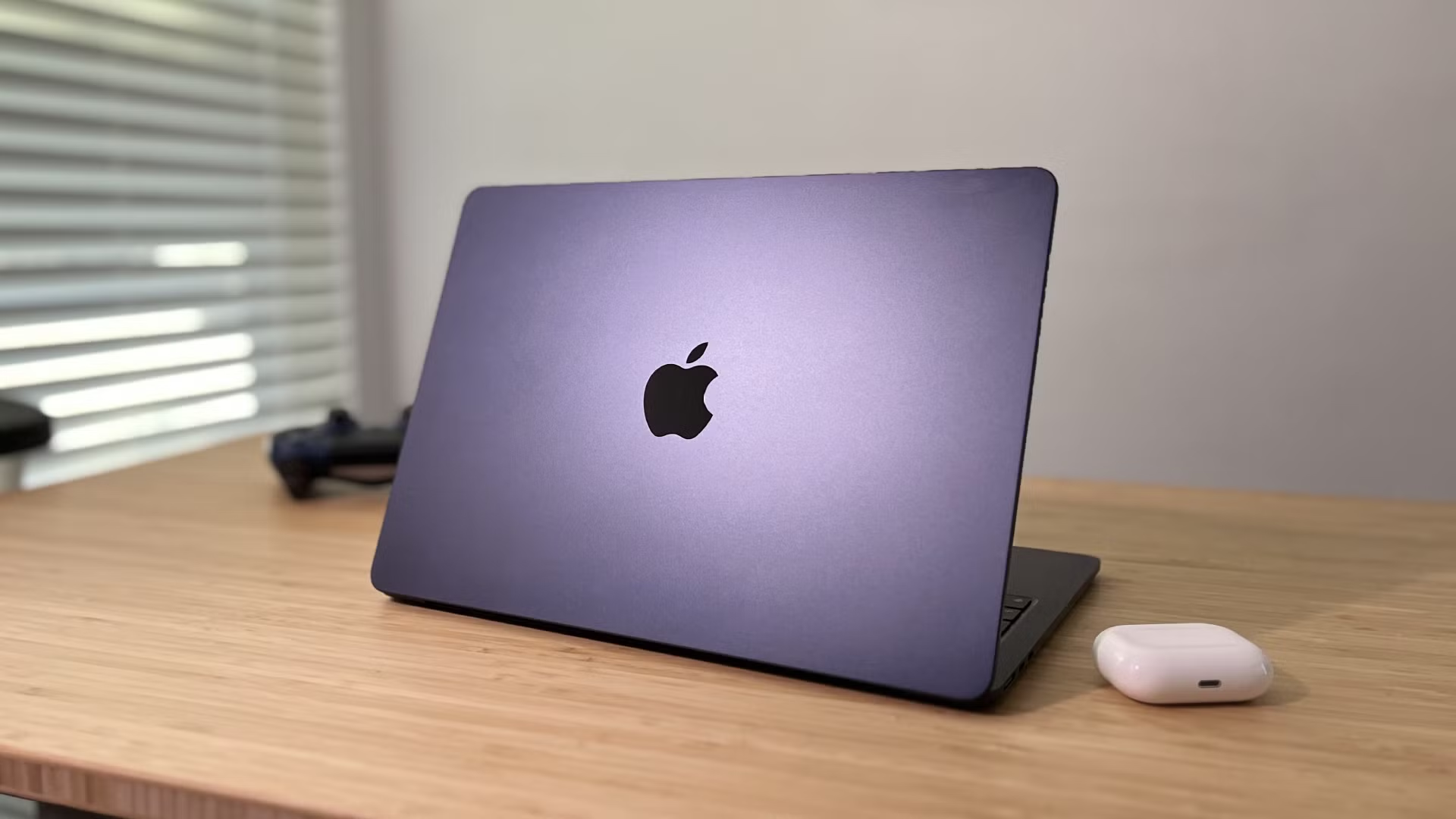
Want to reset your MacBook to factory settings? This complete guide walks you through backing up data, signing out of accounts, and performing a full macOS reset. Works for M1, M2, and Intel Macs.
Running low on storage? Learn how to free up space on your Mac with expert tips—delete junk files, optimize storage, and make your Mac faster with this comprehensive guide.
Experiencing lag, crashes, or poor performance on Windows? Learn how to update your graphics drivers manually or automatically for NVIDIA, AMD, and Intel GPUs in this step-by-step guide.
Locked out of your Windows PC? Learn how to reset your Windows password — with and without a reset disk — using safe and effective methods for both local and Microsoft accounts.