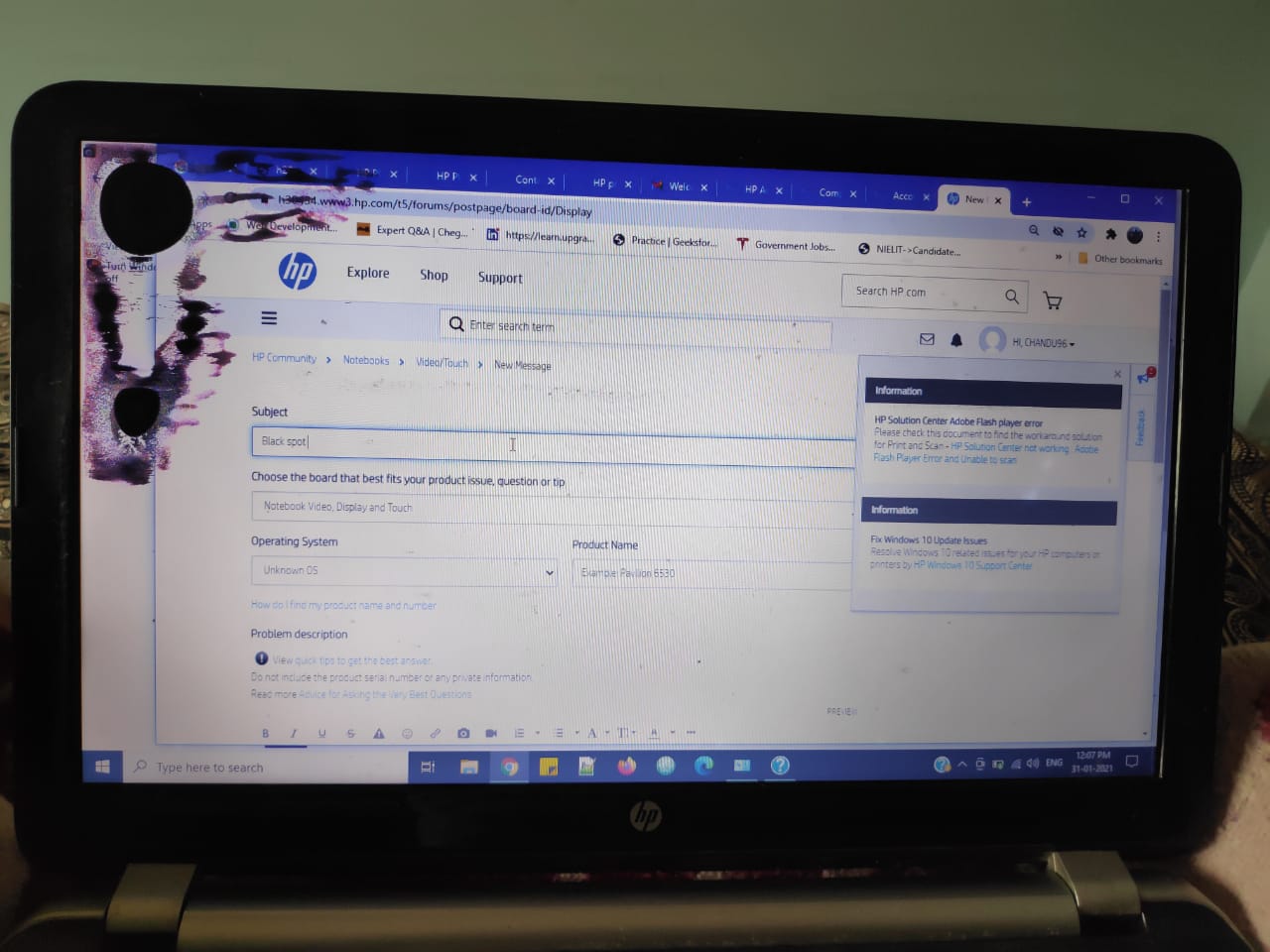
Dark Spots on Laptop Screen: Causes and Fixes (2026 Guide)
See dark spots on your laptop screen? Discover the top causes, from dead pixels to pressure damage, and find out if you can fix them yourself.
See dark spots on your laptop screen? Discover the top causes, from dead pixels to pressure damage, and find out if you can fix them yourself.
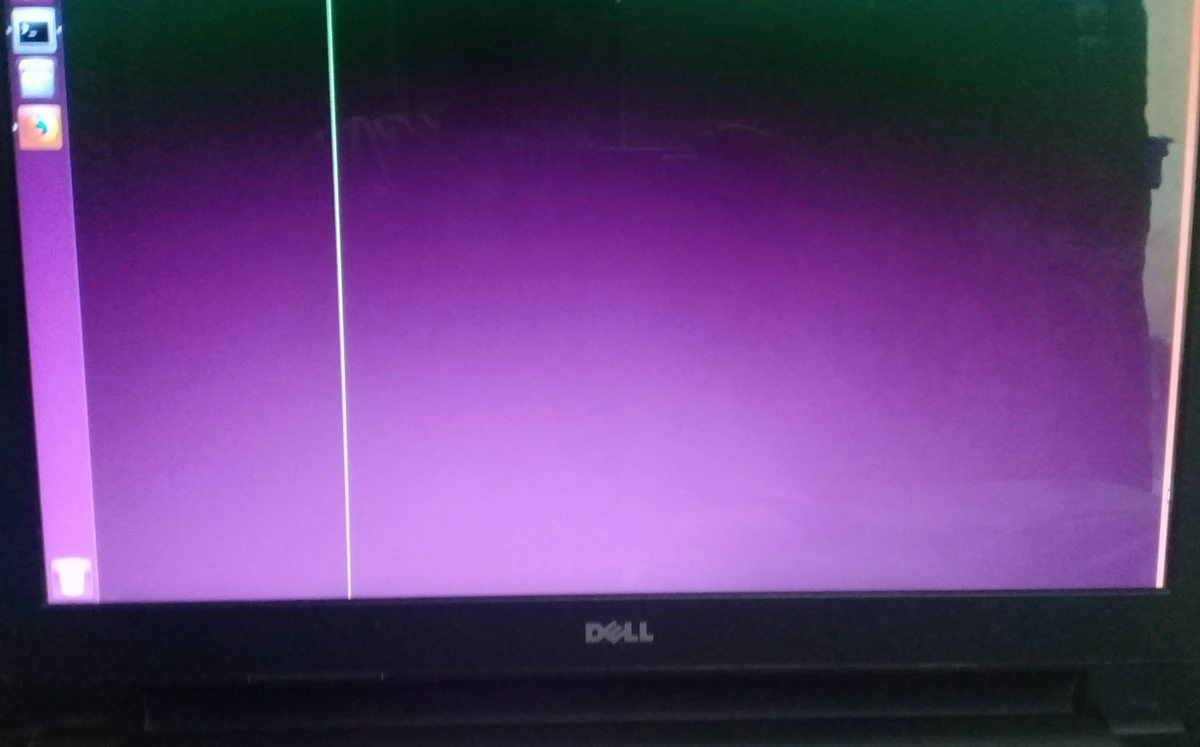
Seeing a green line on your laptop screen? Learn how to fix it with our simple troubleshooting steps for software and hardware issues. Read more now!
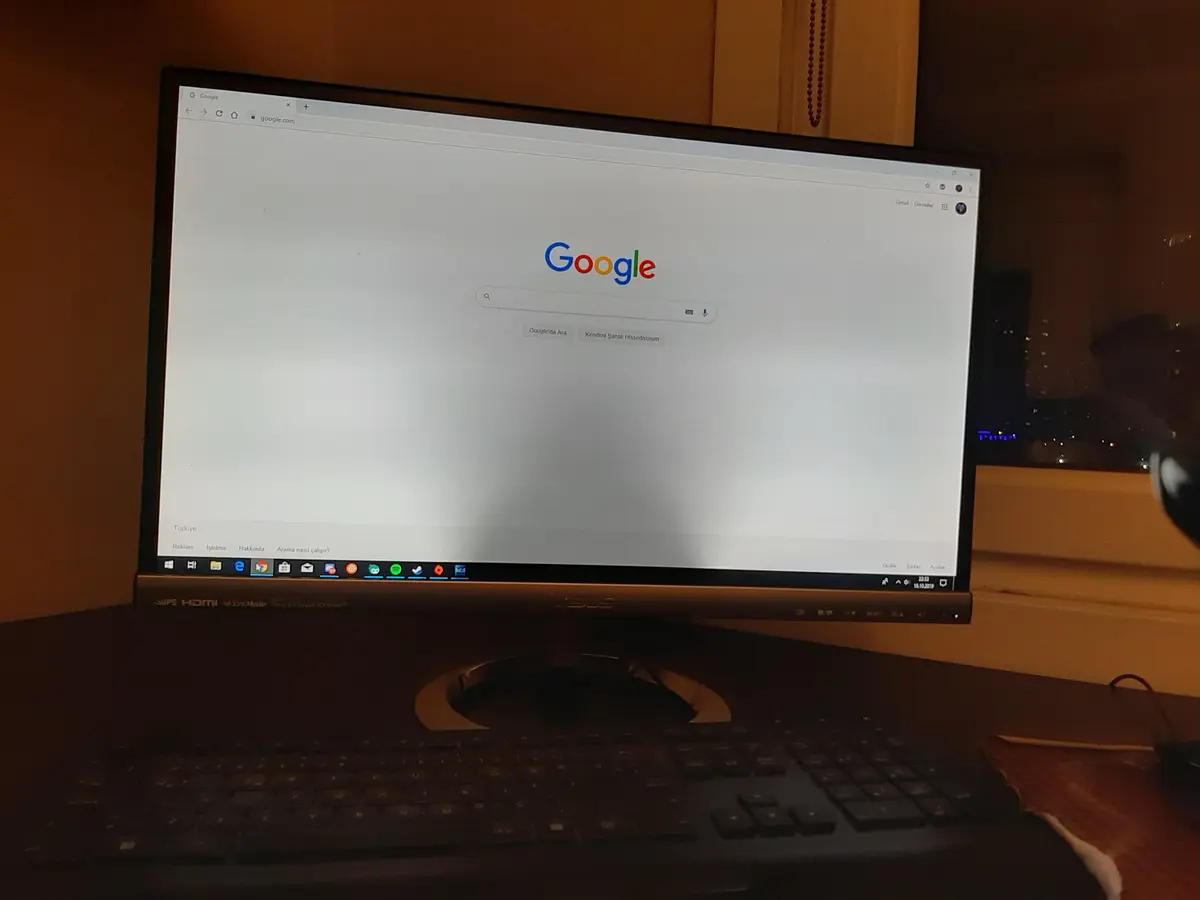
Seeing ghosting or dark spots on your monitor? Here are 6 proven ways to fix the computer screen shadow problem, from cable checks to driver updates.
Seeing bright spots on your display? Learn how to fix screen bleeding on your laptop with these 7 simple, proven methods. Restore your screen today!

Is your MacBook running slow? Learn how to speed up your Mac with simple fixes — clear storage, manage startup apps, and boost overall performance.

Facing frequent Windows errors? Learn how to identify and fix common Windows issues like crashes, startup problems, and update errors easily.
Is your computer frozen or unresponsive? Learn quick ways to unfreeze your PC or laptop, recover unsaved work, and prevent it from happening again.
Is your laptop overheating? Learn how to fix overheating issues with simple cooling tips, cleaning steps, and software tweaks to boost performance.
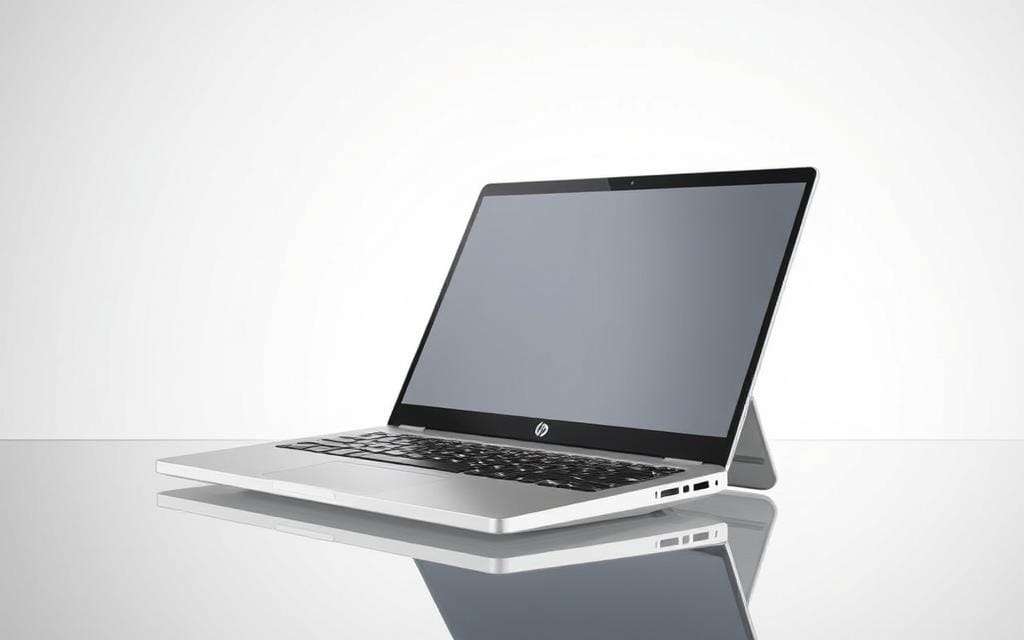
Looking for a reliable yet affordable laptop for college? Check out our 2025 guide to the best budget laptops for students — perfect for studying, streaming, and multitasking.
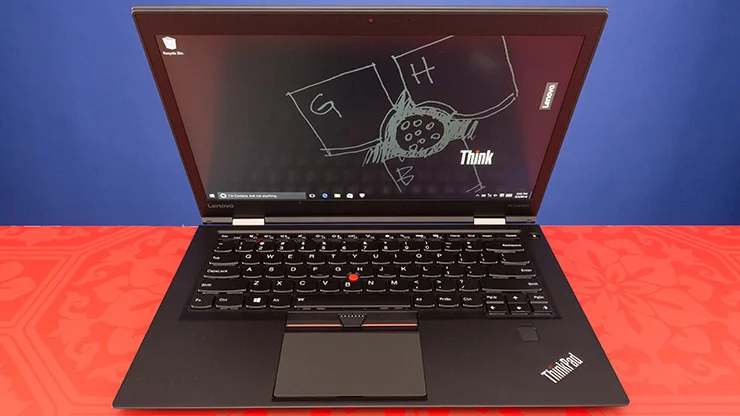
Dive into the Lenovo ThinkPad X1 Carbon review: feather-light build, robust Intel Core Ultra performance, vivid 14″ OLED display, iconic keyboard, and pro-grade security—ideal for mobile professionals.