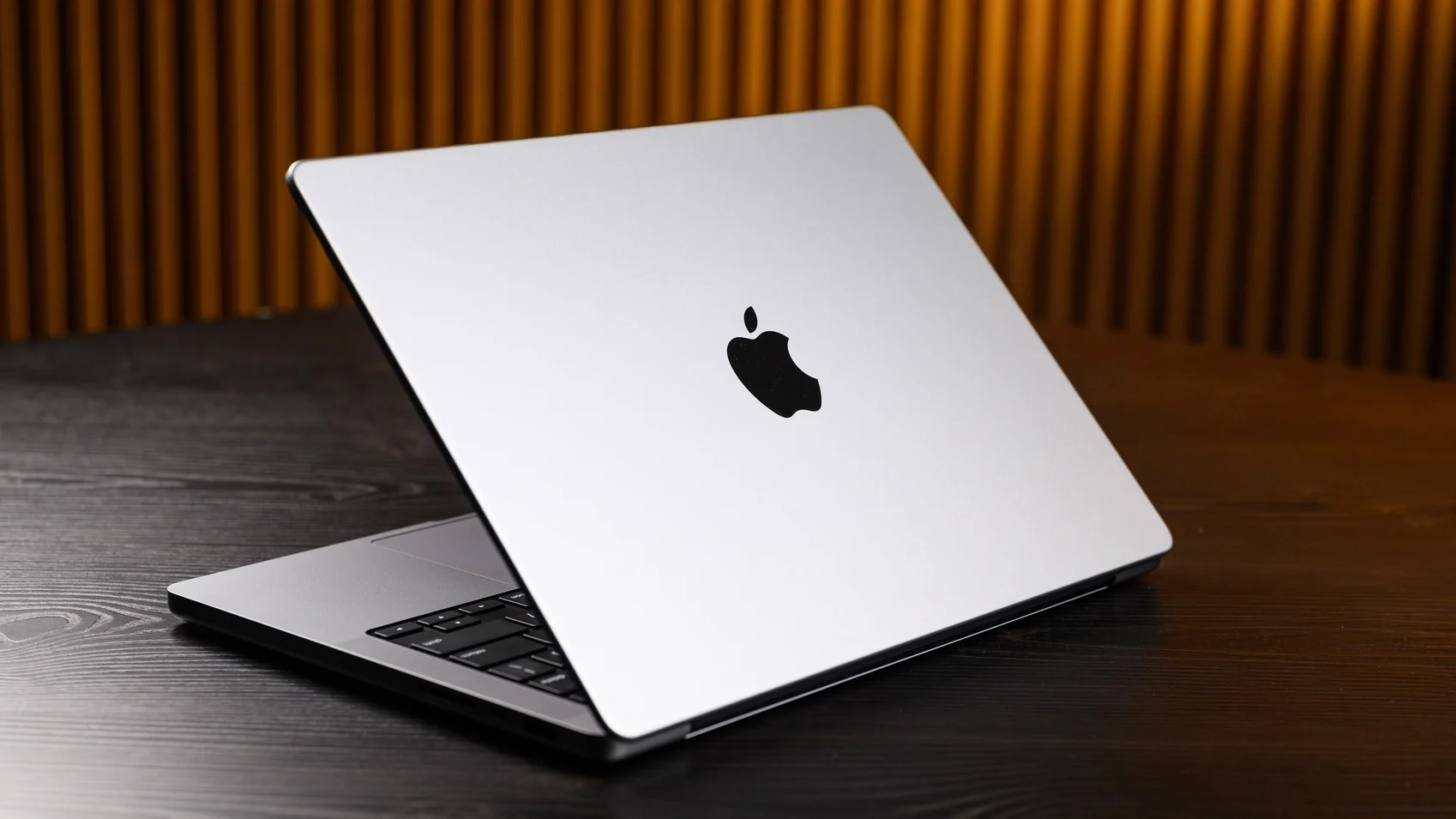
How to Force Quit a Mac Computer Fast
Is your Mac stuck on the spinning wheel? Learn exactly how to force quit apps on a Mac computer quickly, why they freeze, and how to prevent it.
Is your Mac stuck on the spinning wheel? Learn exactly how to force quit apps on a Mac computer quickly, why they freeze, and how to prevent it.
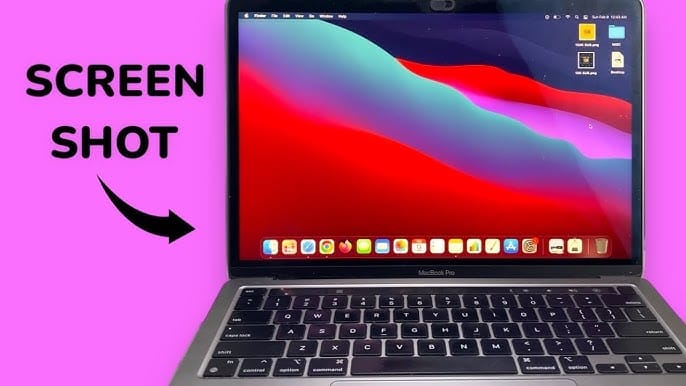
Can’t take a screenshot on your Mac? Our guide walks you through simple fixes, from checking shortcuts and resetting NVRAM to using alternative apps.
Discover the top tablets for reading and drawing in 2025. From vibrant displays to responsive styluses, find the perfect device to suit your creative and reading needs.
Is your MacBook running slow? Learn how to speed up your Mac with simple fixes — clear storage, manage startup apps, and boost overall performance.
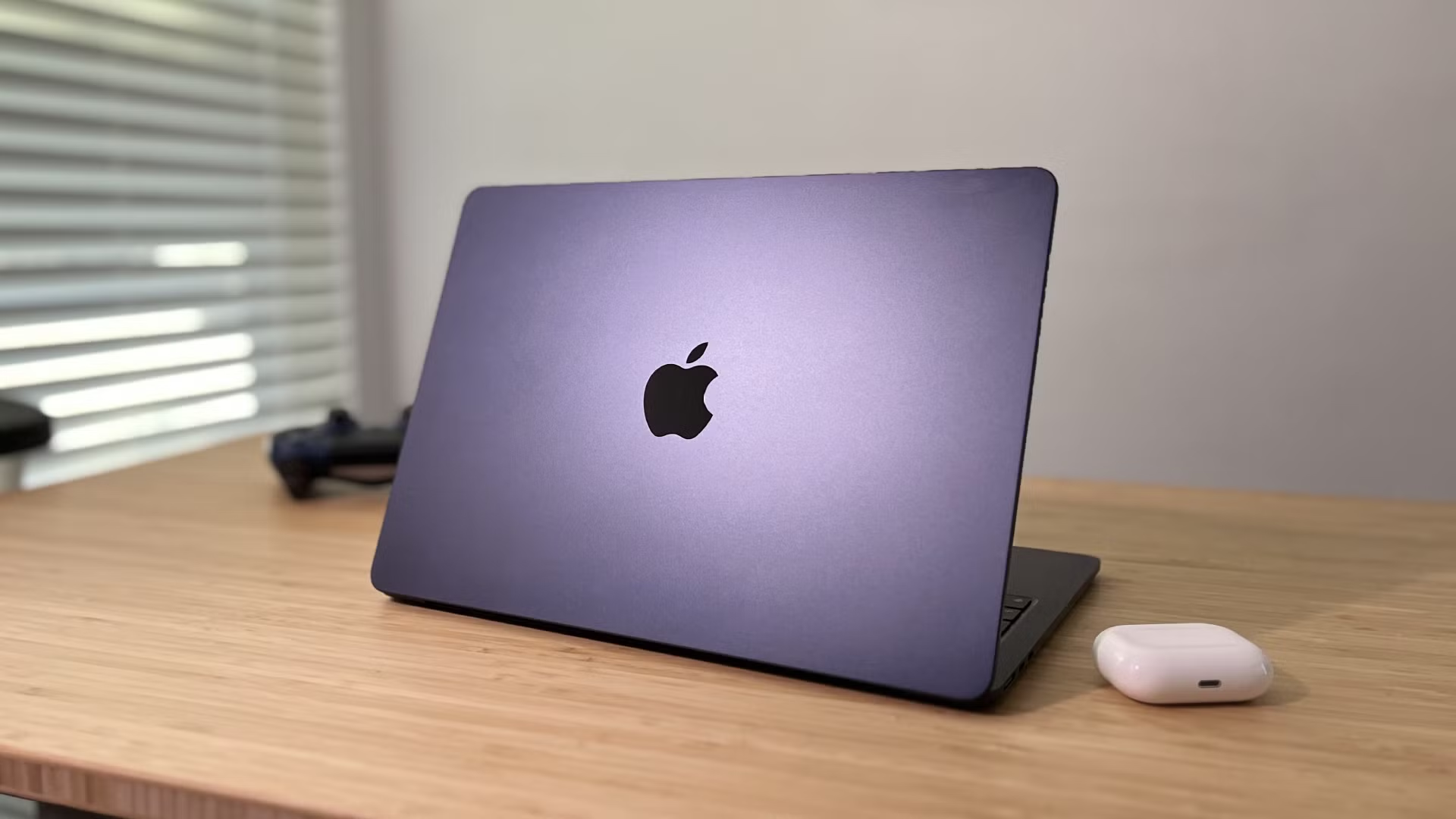
Explore the MacBook Air M2 (2022) in this in-depth review: fanless design, stunning 13.6″ Liquid Retina display, 1080p webcam, long battery life, and solid M2 performance—ideal for students and professionals on the move.
Learn how to sync your iPhone with your Mac using iCloud, Finder, or Wi-Fi. Our step-by-step guide covers photos, music, files, and troubleshooting.
Learn how to safely install macOS updates with our step-by-step guide. We cover preparation, troubleshooting common issues, and tips for a smooth update.
Is your Mac or MacBook not turning on? Follow our comprehensive guide to troubleshoot and fix the issue, from basic power checks to advanced SMC and NVRAM resets.
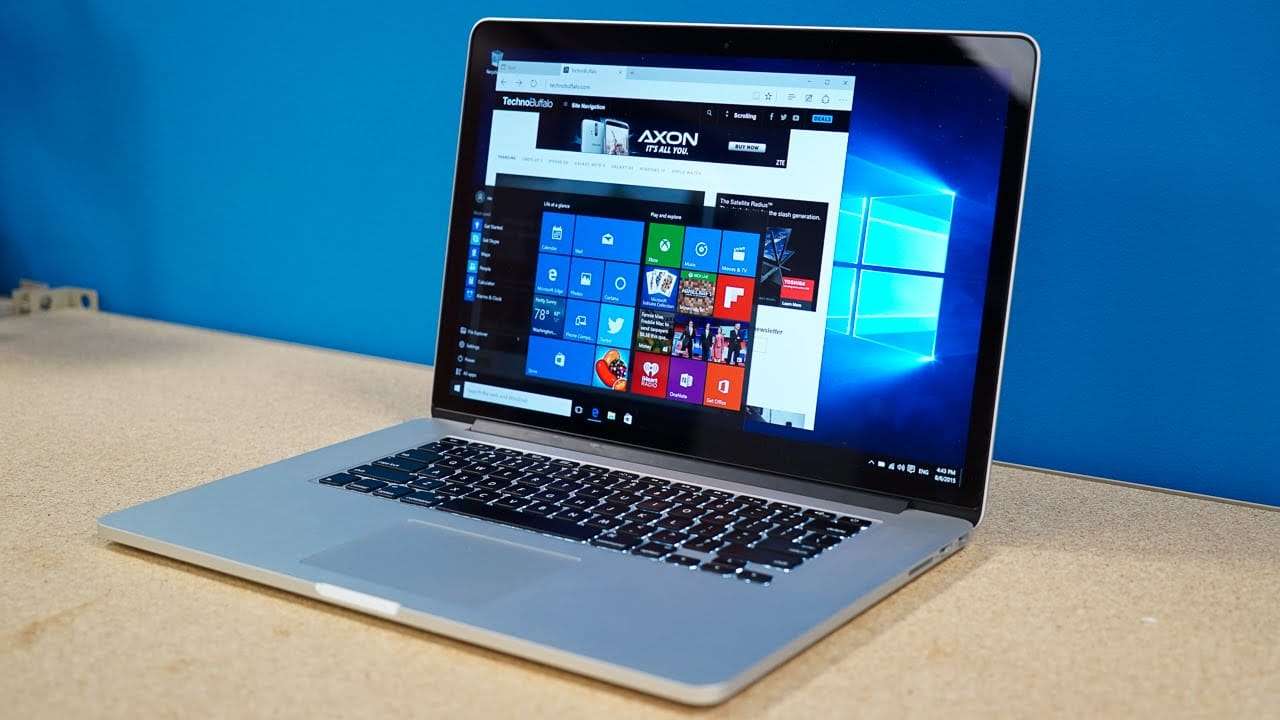
Want to run Windows on your Mac? This step-by-step guide explores the best methods in 2025—from Boot Camp to Parallels and beyond. Run Windows apps, games, and more easily on any Mac.
Looking for the best free video editing software for your Mac in 2025? Explore our top 12 picks with features, pros, cons, and download links. Edit videos like a pro without spending a dime.