How to Fix High CPU Usage in Windows 11 (Complete Guide)
Is your Windows 11 PC slow with 100% CPU usage? Learn how to diagnose and fix the problem with our step-by-step guide, from Task Manager fixes to advanced solutions.
Is your Windows 11 PC slow with 100% CPU usage? Learn how to diagnose and fix the problem with our step-by-step guide, from Task Manager fixes to advanced solutions.
Perform a clean Windows 11 install with a bootable USB—step‑by‑step guide straight from HP Tech Takes.
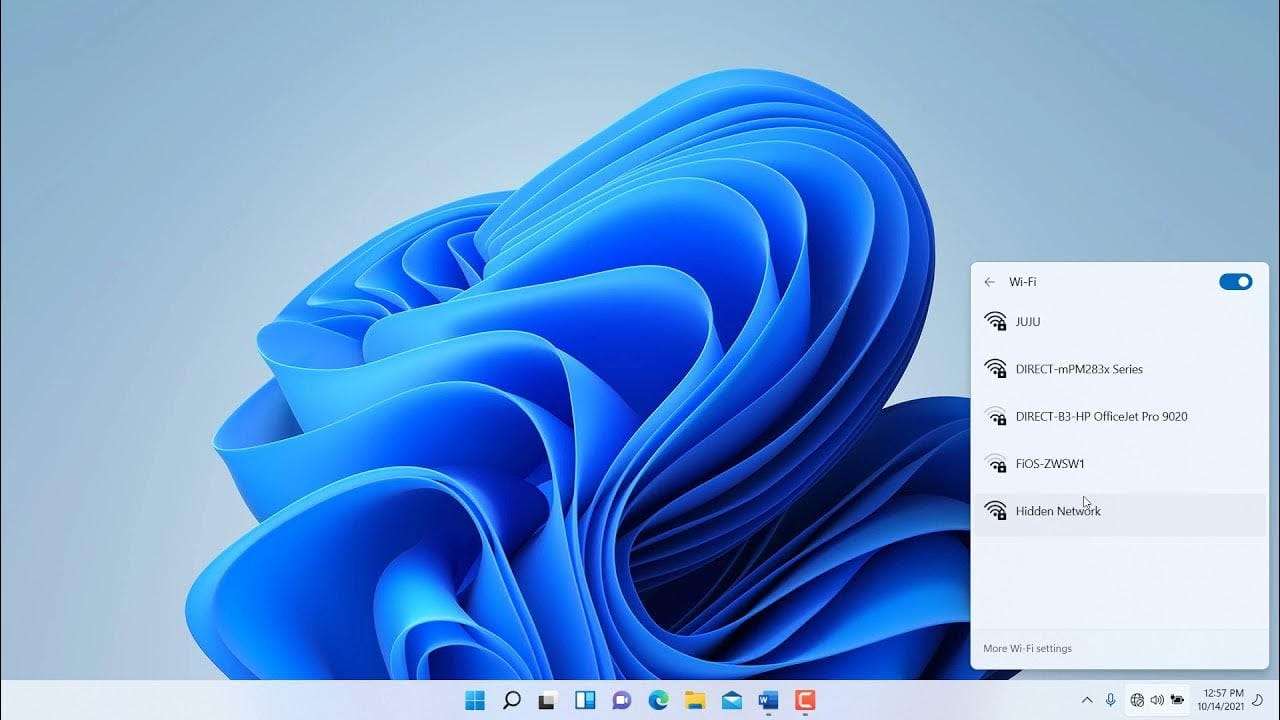
Having Wi-Fi issues on Windows 11? Learn 7 ways to fix no internet connection problems, from adapter resets to driver updates.
Want to capture your screen in Windows 11? Here are 5 quick ways to take screenshots, from keyboard shortcuts to Snipping Tool.
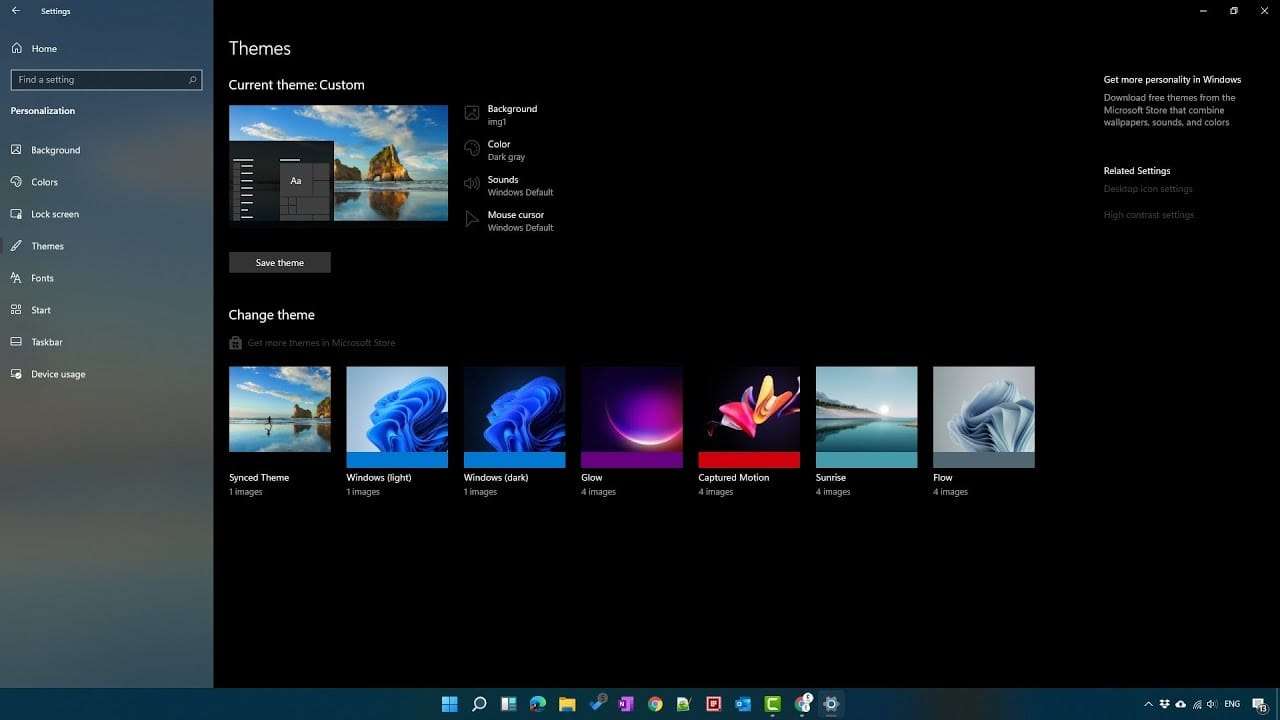
Switch to Dark Mode in Windows 11 in just a few clicks—learn how to enable it manually or schedule it automatically.
Boost your Windows 11 PC’s performance with six proven techniques—optimize startup apps, tweak visual effects, use ReadyBoost, and more.
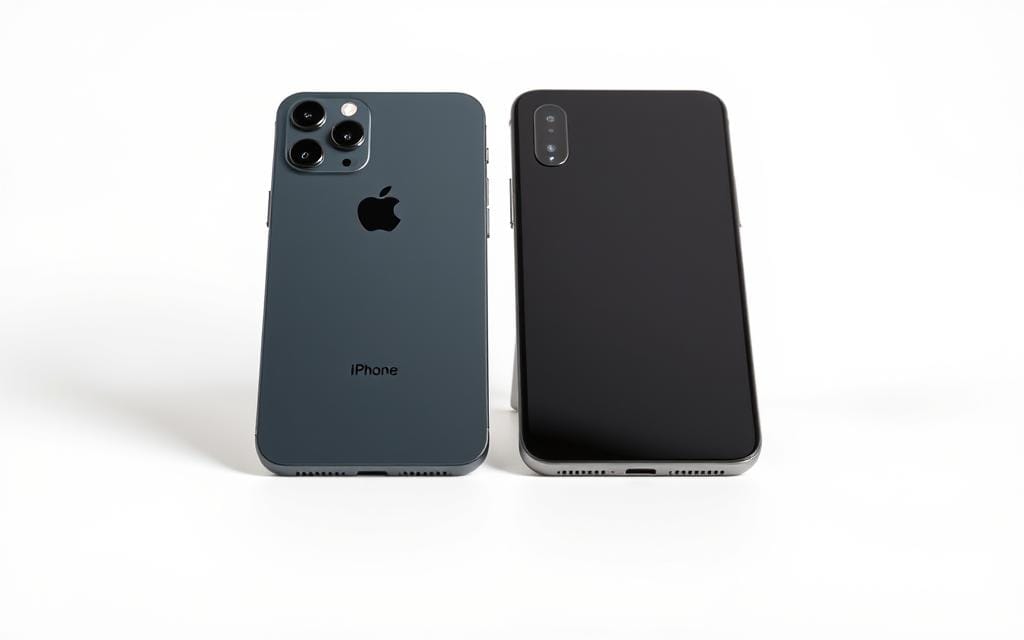
Compare the top features of iPhone and Android to determine which smartphone platform is the perfect fit for you.

Mouse cursor disappeared in Windows 10? Learn proven solutions to restore your pointer and prevent cursor visibility issues from returning.
Learn how to rotate or flip your screen in Windows 10 using keyboard shortcuts or display settings. Fix a sideways screen or switch to portrait mode.
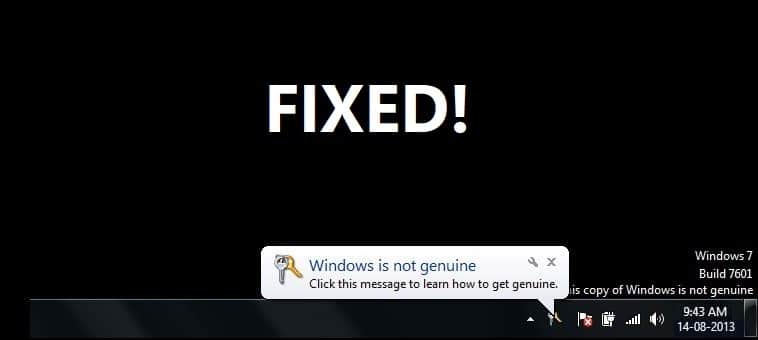
Seeing the “This copy of Windows is not genuine” message? Learn how to fix this common error with our simple, step-by-step guide.