
Master QuickTime Player on Mac: Step-by-Step Tutorial
Learn how to use QuickTime Player on Mac to record your screen, trim videos, extract audio, and more. This complete guide walks beginners through every major QuickTime feature step-by-step.
Learn how to use QuickTime Player on Mac to record your screen, trim videos, extract audio, and more. This complete guide walks beginners through every major QuickTime feature step-by-step.
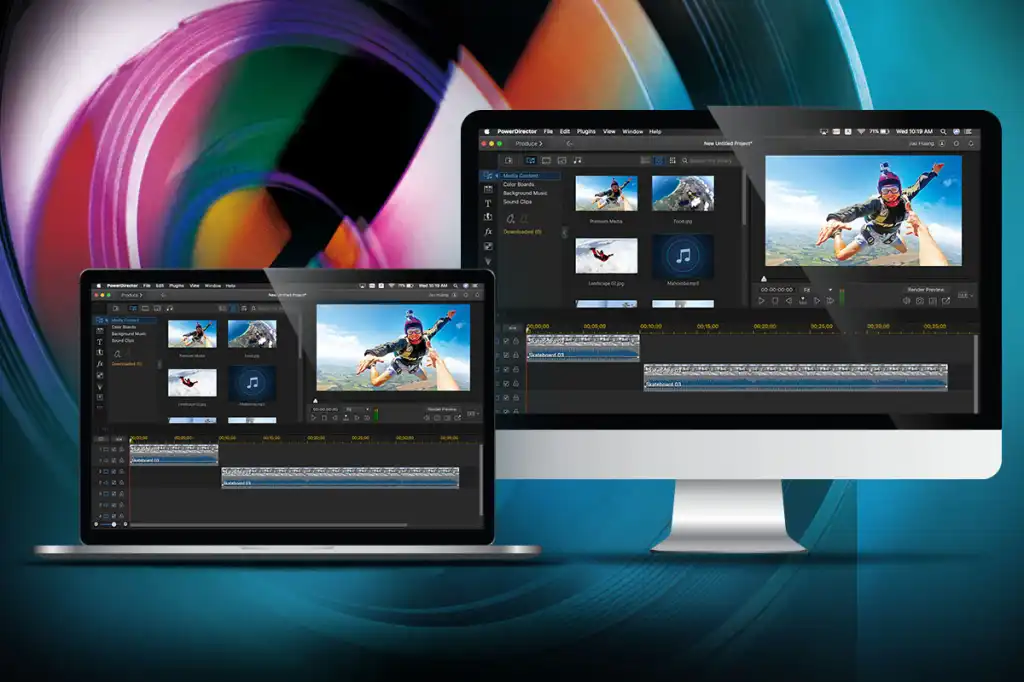
Want to edit videos on your Mac but don’t know where to start? Learn the best beginner-friendly video editing tools, step-by-step instructions using iMovie, tips for exporting, and must-know editing tricks for Mac users.
Discover the best free screen recorders for Mac in 2025. Our top picks capture high-quality video and audio with ease.
Learn how to record Zoom meetings on a Mac with or without host permission. Step-by-step instructions for using Zoom’s built-in recorder, QuickTime, and third-party apps. Perfect for students, remote workers, and content creators.
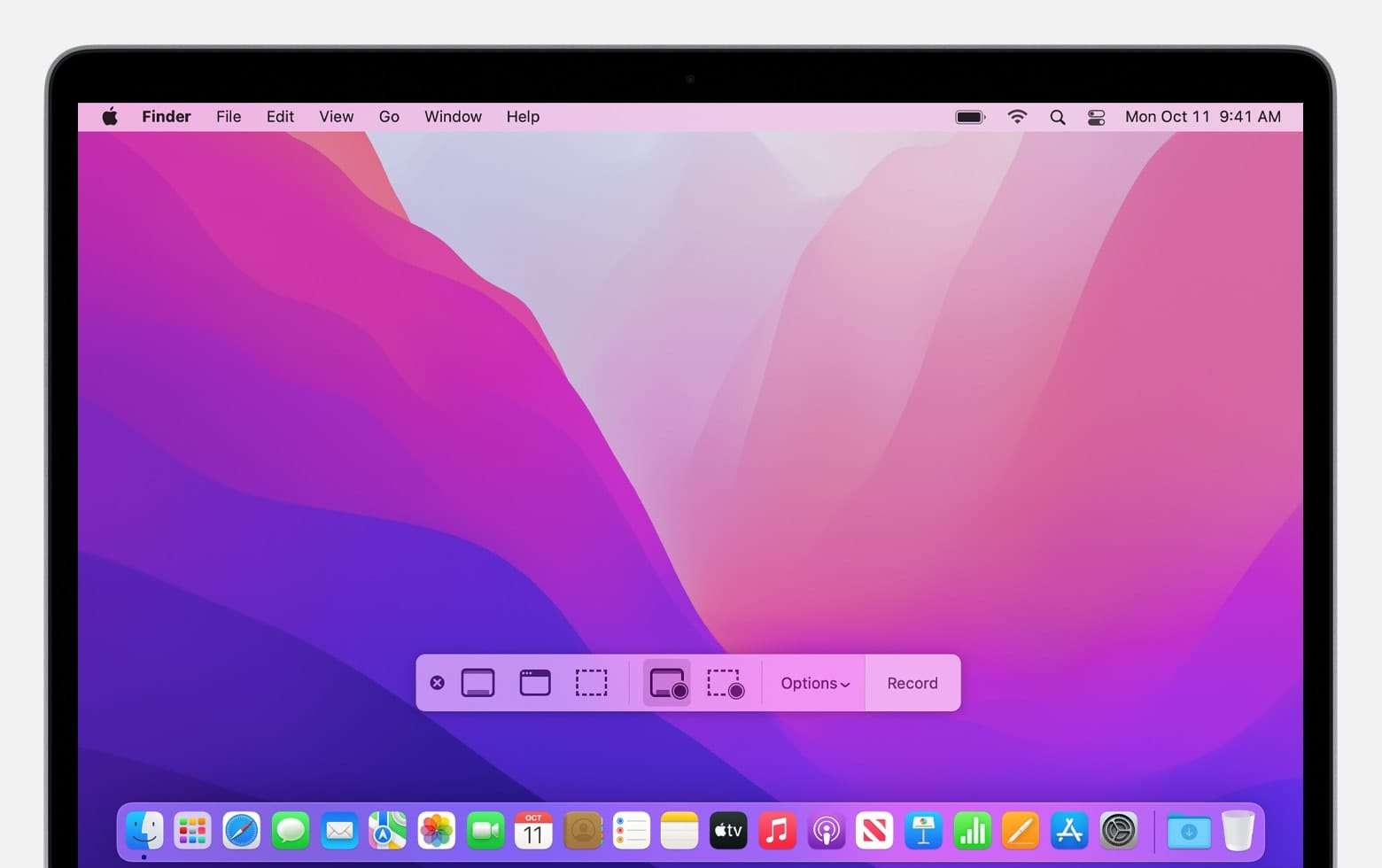
Want to record your screen on Mac? Learn how to screen record with built-in tools like QuickTime, Screenshot Toolbar, and third-party apps. Works for macOS Sonoma, Ventura, Monterey, and more.
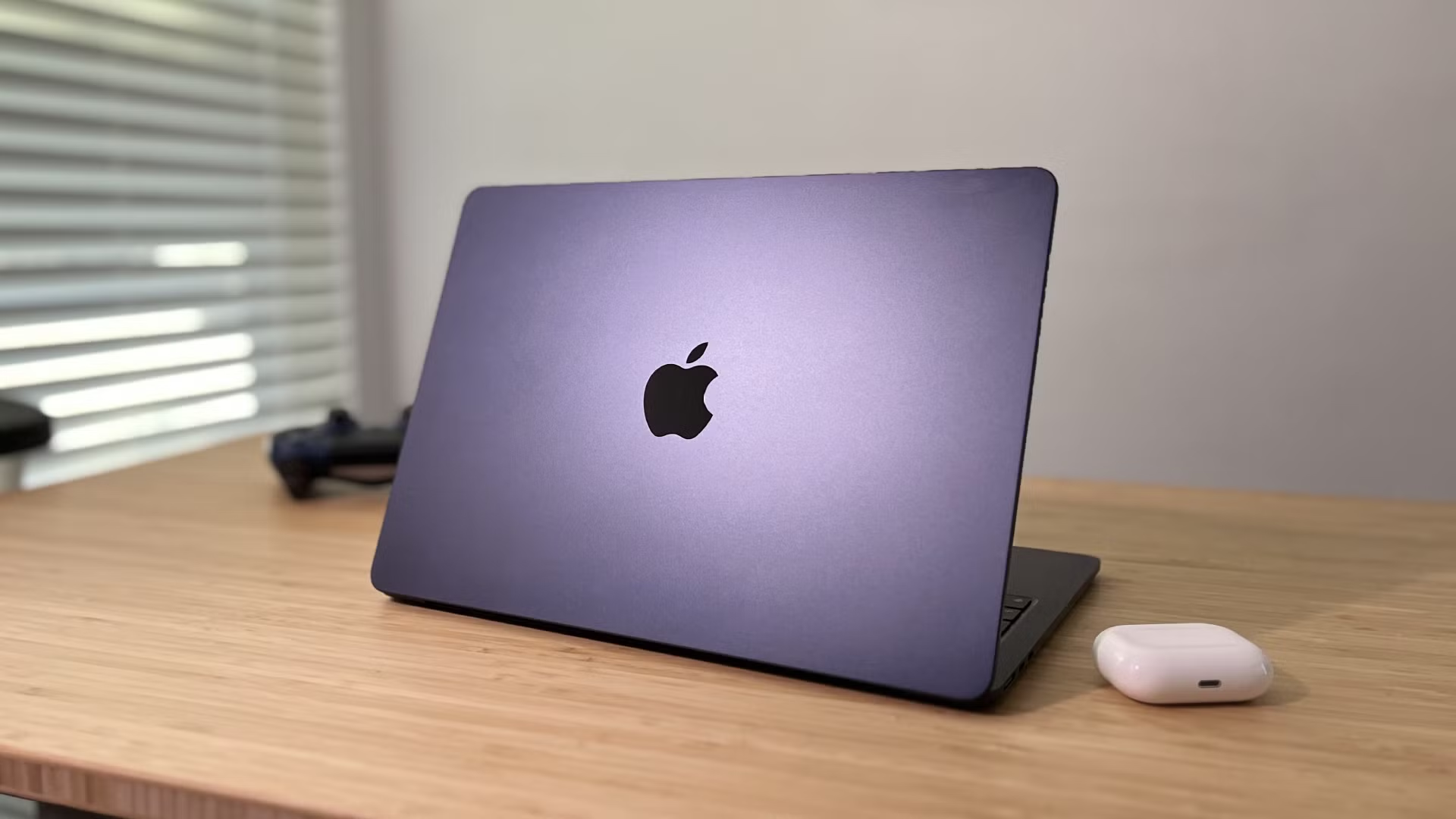
Running low on storage? Learn how to free up space on your Mac with expert tips—delete junk files, optimize storage, and make your Mac faster with this comprehensive guide.

Want to forget a WiFi network on your Mac? Follow our simple guide to remove unwanted connections and keep your online experience secure and seamless.